Assignments


Use Assignments via API and StrikePlagiarism.com system's interface
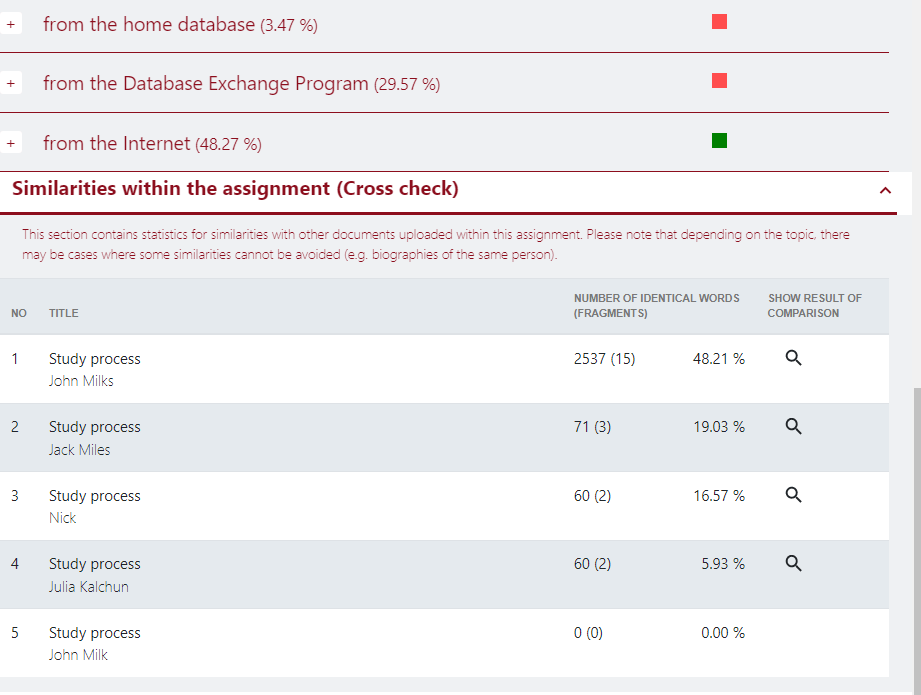
The Assignment functionality is available for both clients using API or LTI and clients created accounts in our system. The Assignment mode can be turned on by a request sent to us. Once Assignment mode is on the Cross-check section will be displayed at the Similarity Report.  


Easy enroll students and simplify group management

The Assignment functionality allows you to organize the process of checking papers for plagiarism and improve the quality of student feedback to a new level. Enroll a student or a group of students to an assignment, set deadlines, receive notifications about a created assignment by email and about an already verified document with a link to a similarity report.
Cross-check for similarities

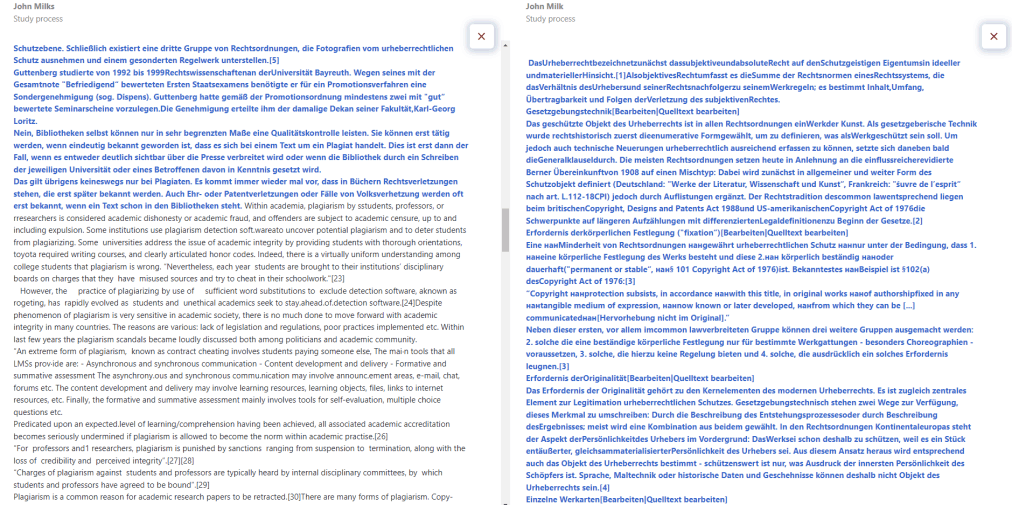
The Assignment functionality allows documents to be cross-checked, which shows matches between documents of the same assignment, even if those documents have not been added to the database.

Cross-checking Assignments is a tool to draw the attention of both students and teachers to the fact of text matches.

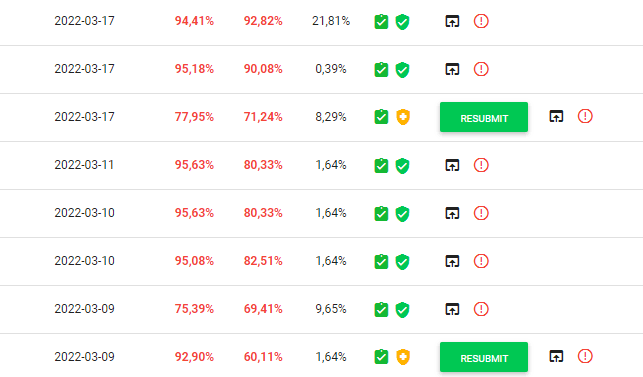
The administrator sets the number of times a document can be returned for revision and resubmitted again. To reflect the teacher's decision in the similarity report, we created a Save and Submit button, where the teacher has 3 options to choose: Accept, Send for correction and Disqualify.

Advanced Review in Assignments

Grammar Checking and AI Detection in Assignments

Clients of StrikePlagiarism can now use Grammar Check and AI Detection when creating Assignments.
To enable these two features, the instructor simply needs to activate them using the sliders. From now on, all works uploaded to an Assignment can be checked for AI-generated content and grammatical errors, which significantly simplifies the evaluation process of a large number of works.
Grammar Check allows instructors to review students’ papers for grammatical, spelling, stylistic, and other types of errors.

Home database source preview

Previewing a source from an internal database allows the user to view a similar fragment found in a document stored in the organization’s internal database. The system highlights the similar fragments in yellow directly inside the source.
This feature saves time on locating the matching fragment within the source while reviewing a work. Users do not have access to documents or databases of other clients.
The Review functionality is available free of charge to all clients and is enabled by default.